
13 Birthday Party Ideas for a Virtual Party

Planning a party across screens can feel like juggling glitter from a distance. The goal is to make it feel connected, fun, and doable with common supplies and a tight schedule.
These ideas address real timing and space constraints while keeping things simple enough to set up this week. You’ll find practical tweaks to keep kids engaged, without clutter or chaos. Each idea also includes a ready-to-go version you can adapt if time is short. Let’s dive in and pick ideas that fit your crew and your living room.
1. Themed Zoom Roomscreen Background

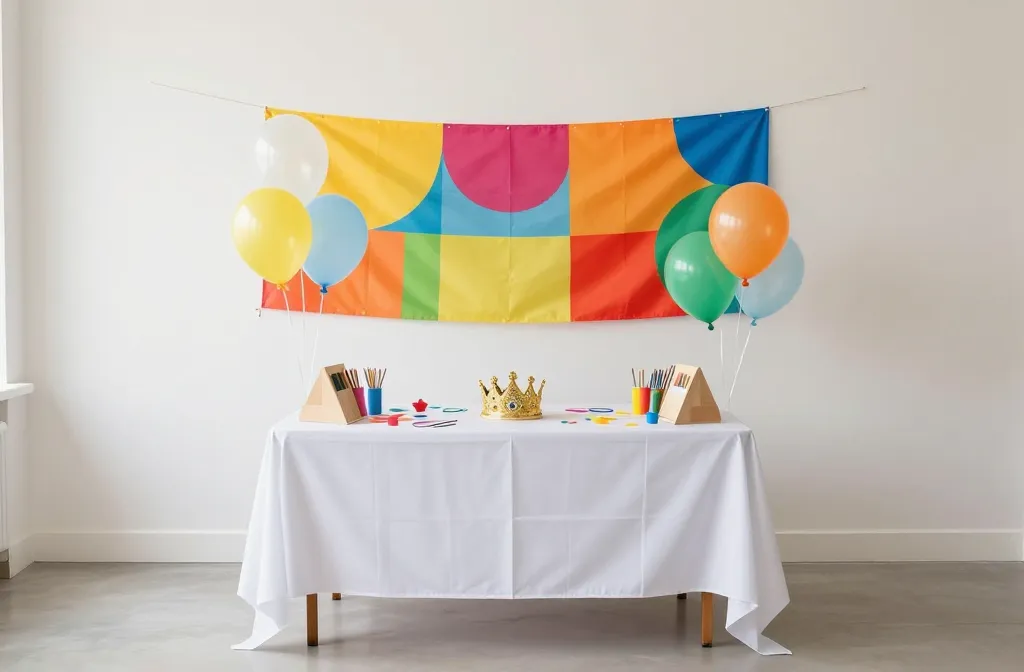
Transform a plain wall into a party focal point with a DIY backdrop that matches the birthday theme. Use kraft paper or large poster boards, tape them to a wall, and add a simple banner, balloons, and a few cutouts. The goal is a photo backdrop that makes every shot feel intentional.
Use what you have: Pull colors from the cake and tableware to keep the look cohesive. If you’re short on time, skip the extra props and rely on a bold color block behind the mini party table.
2. Quick Craft Crown Station

Kids love wearing a crown, but store versions fade fast. Set up a small craft corner with cardstock, stickers, and safe glue for a 15 minute crown making session. You’ll have a line of tiny royalty ready for the video call and a party favor to boot.
Copy the look: Print a simple crown template or fold from one sheet of cardstock. Keep scissors and glue within arm’s reach to curb chatter while waiting your turn.
3. Mini Snack Parade in Jars
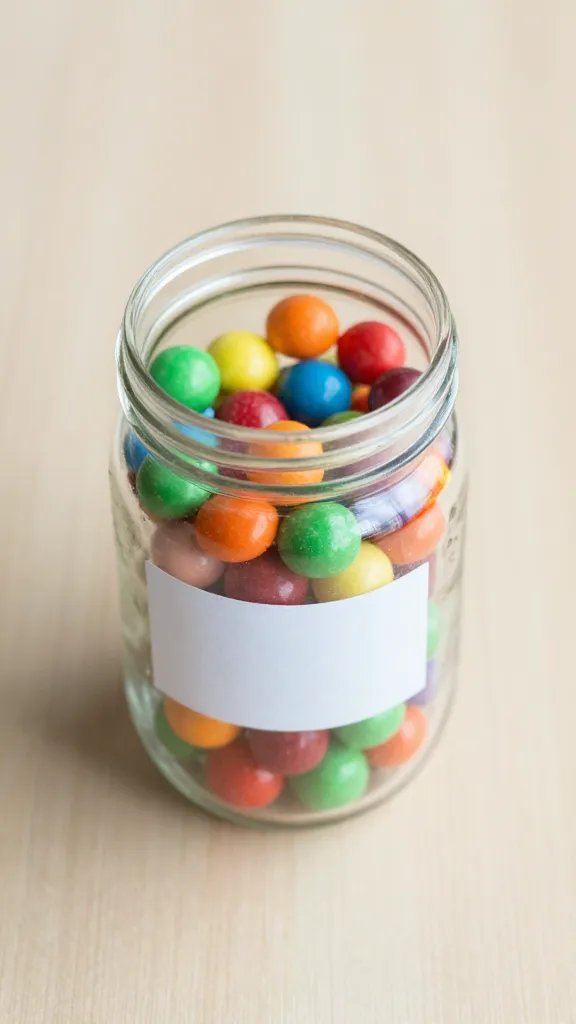
Turn a few mason jars or cups into a snack parade across the screen. Fill each with a bite sized treat and label with a marker. This keeps food visually organized on camera and reduces post party cleanup.
What to avoid: Overfilling jars makes a messy spill on camera. Use a scoop or spoon and moderate portions to keep the parade neat.
4. Candy Color Prompt Cards
Print or handwrite simple prompts that kids can act out on camera between songs or games. Think “wave like a jellyfish,” “do a celebratory dance,” or “show your party hat.” This keeps attention high and gives you quick moments to reset.
Why it works: Short, silly prompts prevent lull moments and give the host quick transitions to announce activities.
5. 15-Minute Craft Balloons
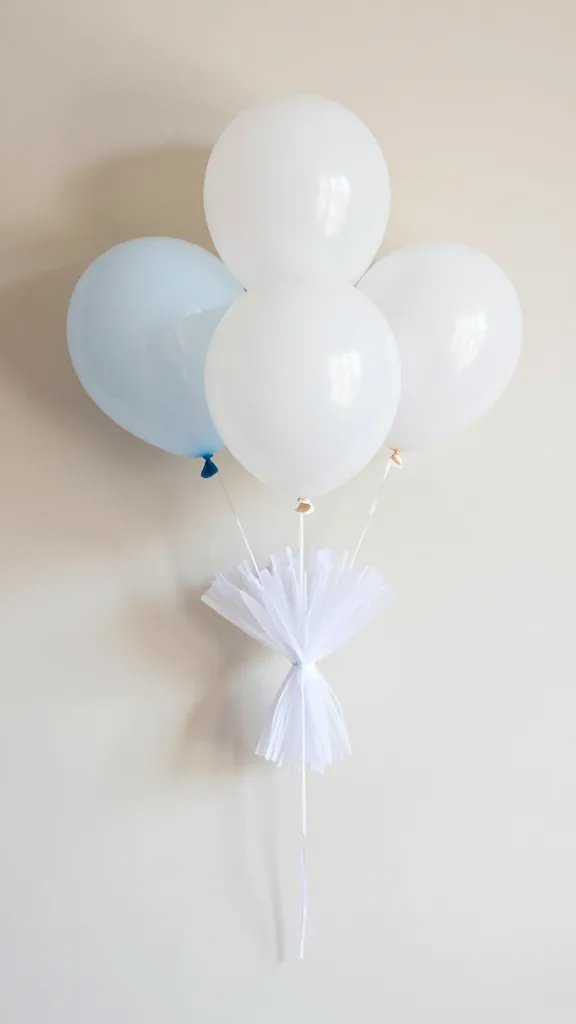
Use balloons as a base for quick crafts: tie on paper shapes or tissue fringe for a festive game that doubles as decor. Inflate a handful of balloons and let kids decorate them with sticky shapes, scribbles, or small confetti stickers.
Safety note: Avoid small decorations for very young children and supervise balloon popping at the end to avoid choking hazards.
6. Family Karaoke Corner
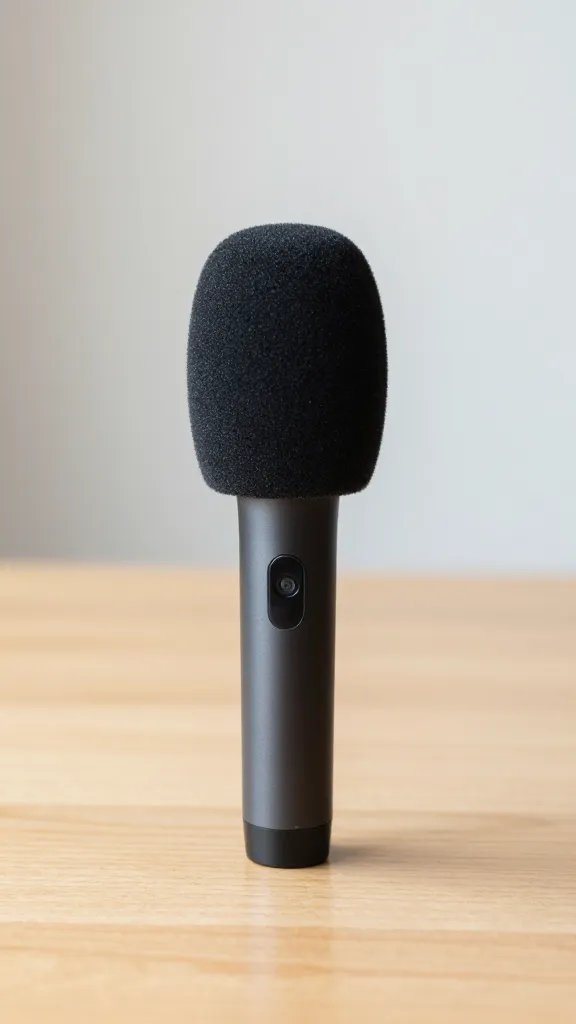
Pick kid-friendly tunes and let kids take turns performing from their spaces. A simple background track and a shared chat-friendly lyric sheet make it easy for everyone to participate. It creates energy without extra setup beyond a speaker or phone.
Best for: small groups and sleepy afternoons that need a quick lift. If you worry about stage fright, keep performances to under a minute per child.
7. Dessert-Only Zoom Bar

Set a dessert bar on screen with a single cake or cupcakes plus a few toppings laid out in a tidy row. Show a quick decorating run live, then cut and share. It’s visually satisfying and helps you manage the dessert table in real life too.
Make it ahead: Pre-scoop toppings into small bowls to prevent a last minute flood of toppings while everyone watches.
8. Costume Relay via Video

Ask everyone to dress in a themed item and pass a “costume baton” by acting out a quick scene. It sounds silly, but the camera changes keep kids engaged and give parents a natural stopping point to reset lighting or audio.
Kid friendly: Pick one simple prop as a shared anchor, like a hat or scarf, to keep the pace steady across screens.
9. Shadow Box Memory Game
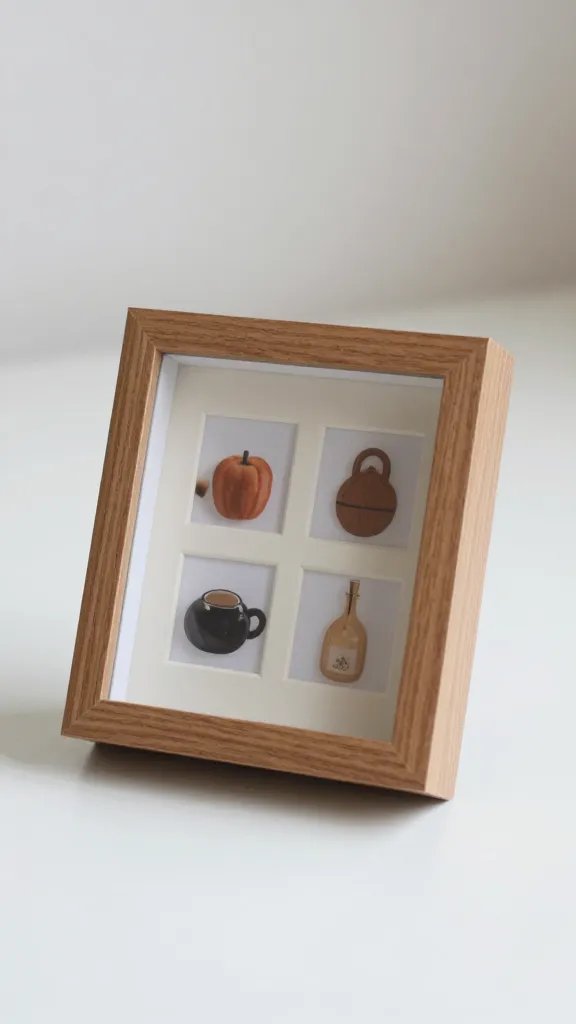
Put a simple shadow box on your table with 4-6 items. Each child guesses what item will be shown next on camera. It creates a calm, participatory moment and doubles as a keepsake for later uploads.
Copy the look: Use items from around the house and switch items each round to keep the game fresh without buying anything new.
10. Digital Scavenger Hunt

Give kids 6 quick items to find around the house, like something blue, something soft, something that makes a sound. They bring their finds to frame on camera. It’s fast, active, and camera friendly.
Time saver: Write a short list on a whiteboard or a sticky note so you can read it at a glance.
11. Party Photo Journal
Set up a shared digital photo album where guests upload one photo from the party. Ask everyone to snap a screen capture of their favorite moment and drop it in the album. It creates a sense of shared memory with very little setup.
Make it easier: Create a simple caption prompt to jog memories and keep the album lively after the party ends.
12. DIY Party Hats in 15 Minutes
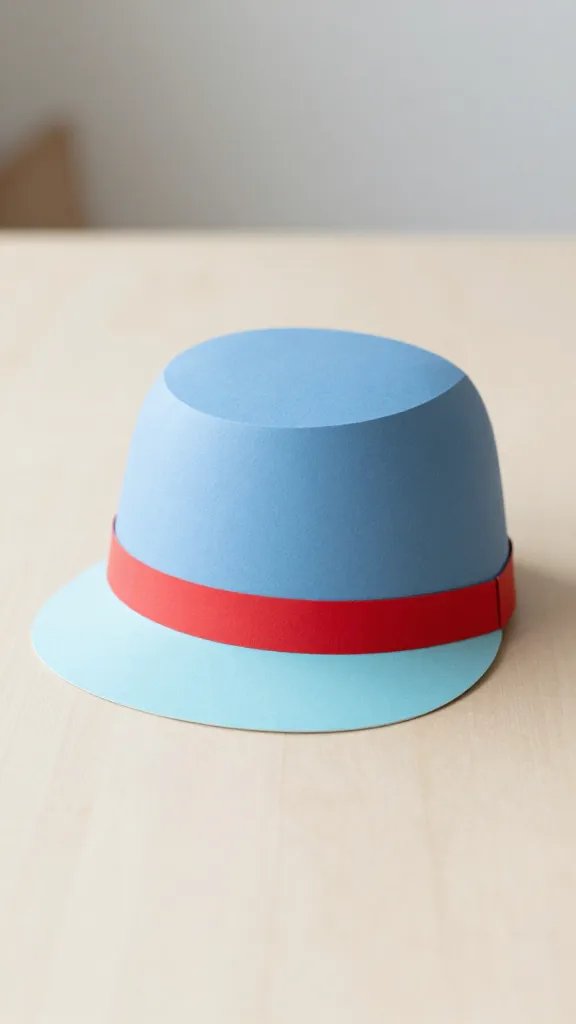
Roll up two sheets of colored paper, glue a band, and staple a simple decoration on top. Have kids customize hats on camera, then wear them for a quick group shot. It looks festive and is simple enough to finish before guests log off.
Safety note: Use kid friendly scissors under supervision and avoid small decorations that could be a choking hazard for toddlers.
13. Cozy Corner Story Time

End the party with a short story read aloud by the host or a rotating guest. Create a cozy corner with a throw blanket, a soft light, and a single prop. It offers a calm cap to a lively session and gives you a natural finish line for the event.
Best for: wind down moments and gentle pacing if energy runs high. Keep the read under five minutes and invite a quick reaction from each kid afterward.
With any virtual party plan, you want activities that travel well over a screen, require minimal setup, and leave you with photos your family will actually want to keep. Pick two or three ideas that fit your space and time and lean into those for a smooth, joyful celebration. Save this for the next birthday that sneaks up on you.